If you want to, it is possible to modify messages appearing during the Calibration part of a survey.
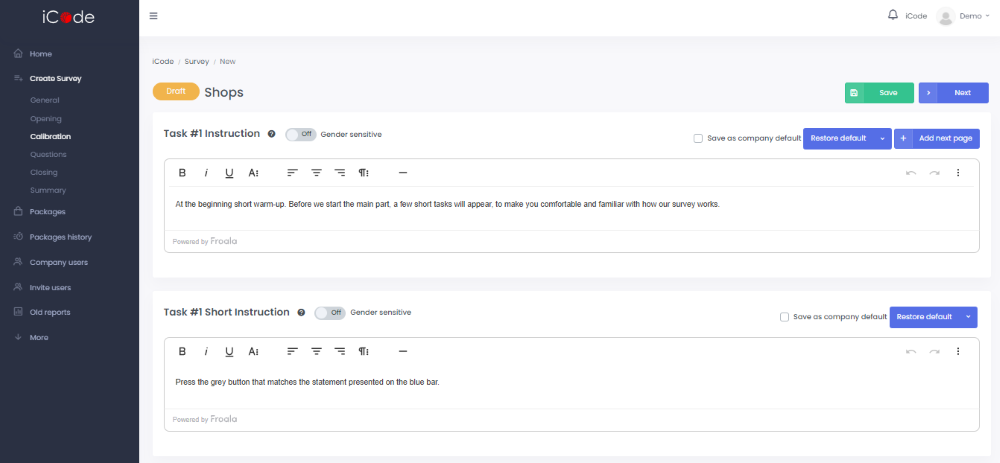
In the Task #1 Instruction field you can type the message that respondents are going to see before the part familiarizing them with the form of a questionnaire.
In the Task #1 Short Instruction field you can type a message explaining respondent show to react to presented statements.
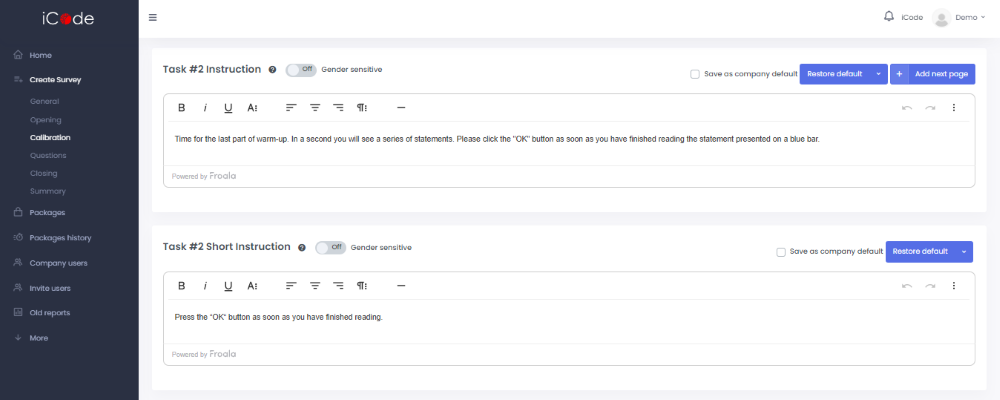
In the Task #2 Instruction field you can type a message introducing respondents to the second part of calibration.
In the Task #2 Short Instruction field you can type a message explaining respondent show to react to presented statements.
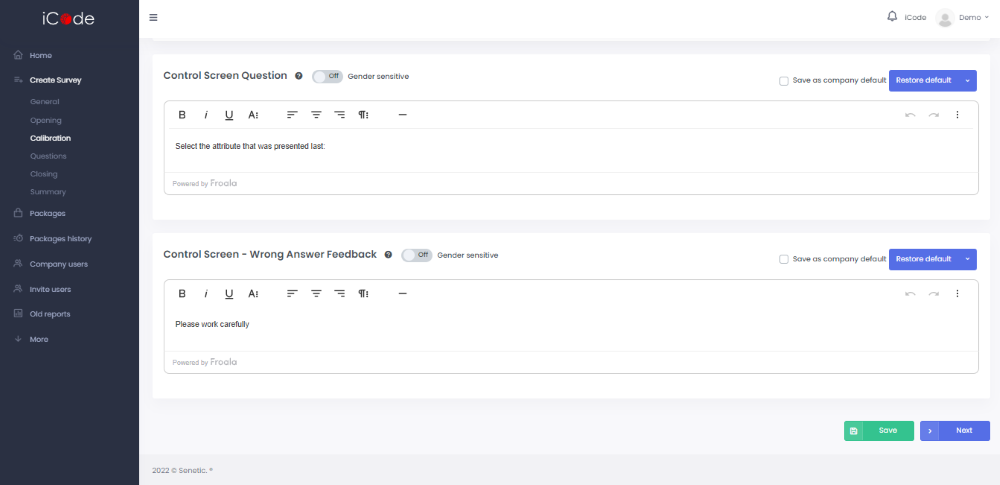
In the Control Screen Question field you can type a question checking if respondents pay attention to presented statements.
In the Control Screen – Wrong Answer Feedback field you can type the message that respondents are going to see after committing an error caused by the low level of focus.