Regardless of the study type, step Closing looks the same. It enables you to add extra questions and messages that are going to appear during the survey or after it is completed.
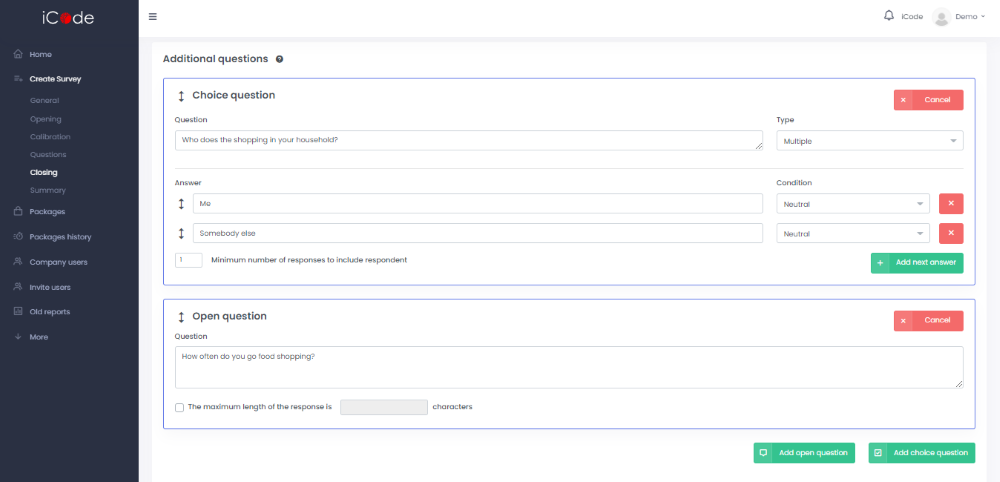
In Additional qiestions field you may add open or choice questions. What is more, analogically to Additional questions part in the beginning of the survey, you may decide if a particular answer is required, neutral or leads to an end of the survey.
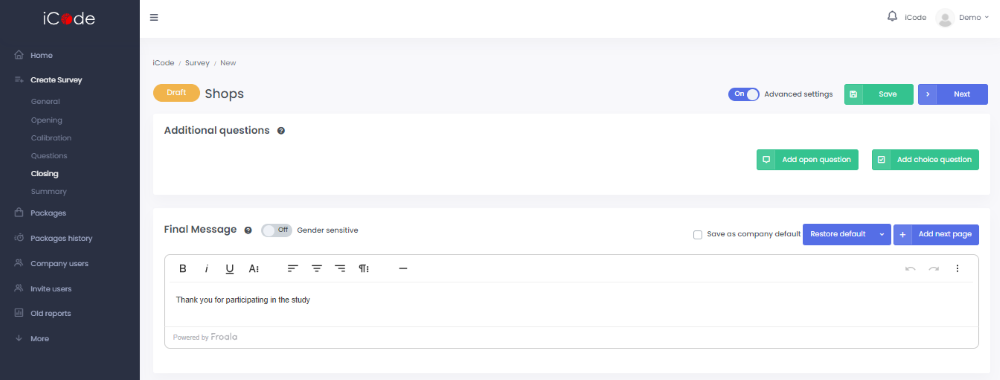
In Final Message field you should type the message that respondents are going to reveive after completing the survey.
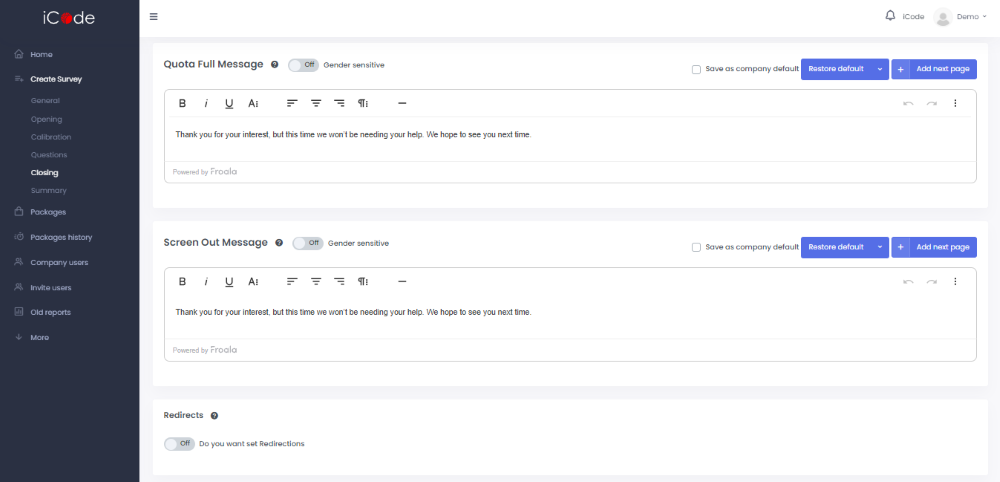
If at this stage you turn on the Advanced settings button, you are going to keep an access to Calibration section and establishing Quota Full Message and Screen Out Message.
Quota Full Message is a message that a respondent receives when his/her sex/age group is already full and his/her answers are not required for the survey.
Screen Out Message is a message shown to a respondent if he/she does not meet the requirements.
By making Redirects option active, you should in the next step set up redirections.