When your survey is Completed or Live (in this case minimum number of respondents needs to be reached) you may purchase the report and open it through the eye icon in a corresponding Actions field in Home section, clicking next on the Get Report button.
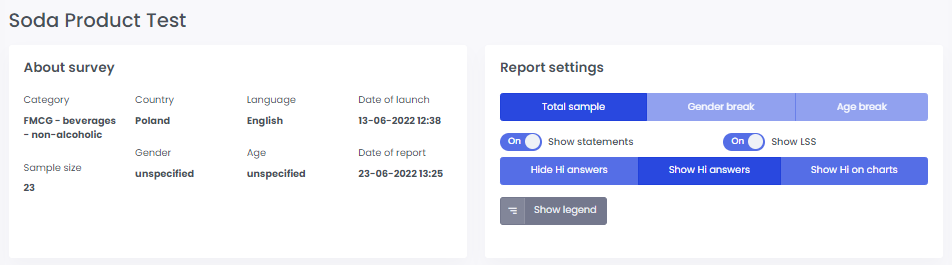
In the About survey section you can see the general information concerning your survey and the date of this particular report.
Through Report settings you are able to decide which aspects of your results you want to observe at a particular moment. You can also view a legend there.