After you decide to Get Report, you need to select a method of payment for the survey. One of the ways using which you can purchase the survey is Transfer.
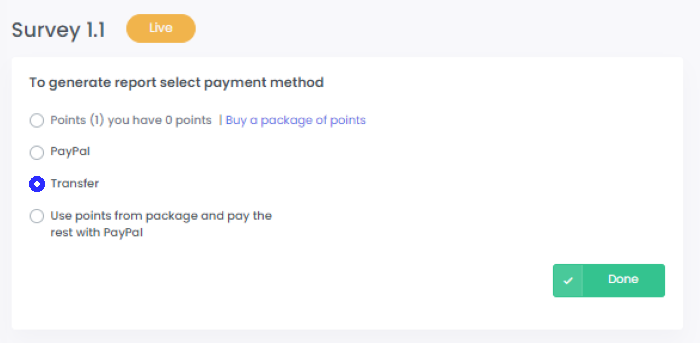
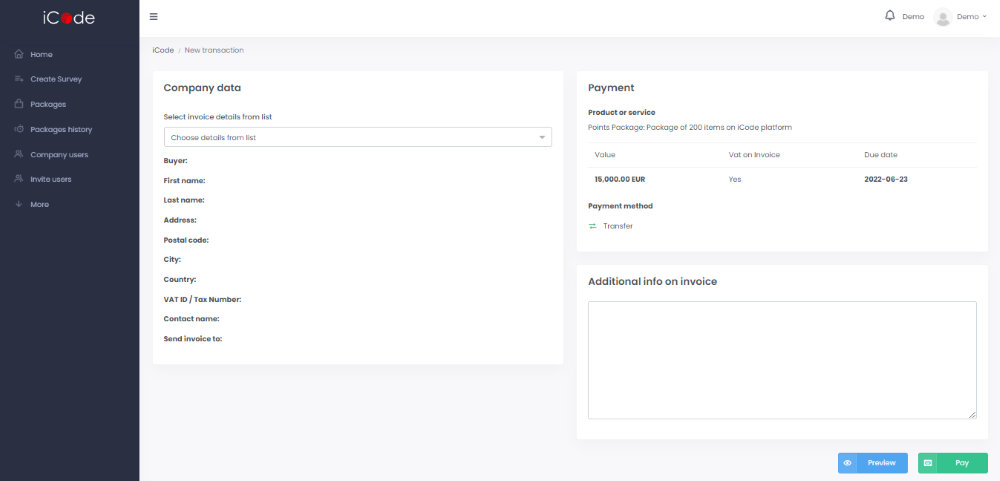
If you select Transfer as a payment option, in the next step you are going to be asked to a section with payment data. What is more:
Please choose the company data for the invoice from the list.
Make sure the Transfer method is selected and the VAT ID Number/ TAX number you enter is correct.
You can add additional information that you want to appear on your invoice.
After entering all data click “pay” and you will be able to open your report through the eye icon in a corresponding Actions field in Home section.
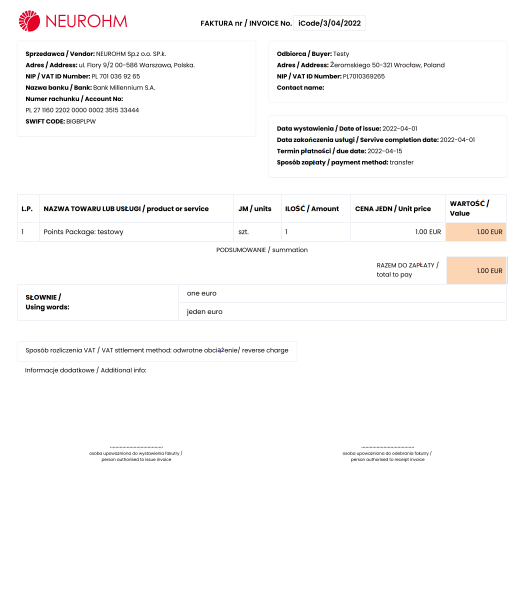
You can access and download your invoices through Reports and invoices section concerning a particular survey.